Android has a way to bind the socket to the interface: Network.bindSocket, this is a setsockopt(SO_BINDTODEVICE) wrapper with access control.
The access to it is controlled by the VPN application. Some applications could be allowed to connect directly when the VPN is active and routing all the traffic by default, some could use VPN if configured not to use it by default.
However starting with Linux kernel 5.7, the unprivileged userspace can now call setsockopt(SO_BINDTODEVICE) directly and use VPN or non-VPN interface even if restricted by the VPN client.
Not fixed in any Android (incl. Graphene, which has fixes for other leaks, but not this) to the day.
PoC is as simple as "curl --interface [ifname, not IP] ifconfig.co" in termux.
It has been reported to Google (as a security bug) and to GrapheneOS as a comment in one of the very similar VPN leak issue on github. GrapheneOS has deleted my comment, probably because they assumed it was AI-generated or something, I've copied the report I sent to Google there.
PDF is very, very complicated standard which can't be handled properly on tiny MCUs with reasonable performance and spec conformance:
    - 4 font formats
    - 9 image formats
    - blending with transparency
    - different colorspaces, each image could use its own on the page
    - different dithering algorithms, each image with its own
    - the page can have elements from another pages (global elements)
This is only a small part from the top of my head.
Common simple home printers absolutely should not accept regular PDF as an input: thanks to Apple and IETF we now have Apple Raster and PWG Raster for printers, as a part of AirPrint and IPP Everywhere/Mopria driverless printing standards, which are very similar but have slightly different options and headers. It's a simple raster input for printers specifically.
Some companies, such as HP, invented a "raster PDF": PCLm / PCLms. Don't be confused by the name, it's a regular standard-conforming PDF which contain nothing but a full-page JPEG on each page, and don't use any other features. It's created only to be able to open "printed page" (driver output) in a standard PDF viewer on a PC for debugging or business logging needs, but otherwise it's like a regular JPEG with additional per-page metadata.
That's weird, the product page says "TXT, EPUB, MOBI, PDF, JPG, PNG" and prominently claims it is good for manga, which definitely wouldn't be possible with those formats.
>penguin would shrink the result to fit its screen.
>I declared A5 and Letter paper, media type stationery, and an output bin called face-up.
You can (and should!) define exact dimensions of your screen in `media-size-supported`. It will probably be a non-standard IPP name, that's why you should define that in `media-supported` as `om_NNNmmxYYYmm` or `oe_NNNinxYYYin`
That way you don't need to scale the incoming data, the PC will format it exactly to the dimensions of the screen.
Both PWG Raster and Apple Raster support 1-bit-per-pixel mode (instead of 8-bit-per-pixel you use), that's why the input could be 8 times less in size. Use `print-color-mode-{supported,default}=bi-level` instead of `monochrome` for that. And also tune `urf-supported`'s `W` option, use `W1` for this case.
This is why I like it here. Somebody does irrefutably incredible work outside of their comfort zone, and somebody else goes "yeah actually I was born in that zone. Moulded by it. Here's how to improve it" (in a positive way)
Oh no, I wasn't, and that's definitely not my comfort zone. I mess with the printers and printing stack due to anger, not because I like it.
It's bugs on bugs, with bugs chasing bugs! So little developers, so complex stack with 25 years of technical debt, and little community around because it's not a sexy technology to be involved in.
That's why I have to dive deep and fix my bugs myself if I want to make it work properly as I would like it to. I also ended up making my own print server device, because China did not make a proper one for some reason for all these years.
This thread made me laugh. I worked on network printing software in Banyan VINES a century or two ago, and my wife always wondered why I hated printing software so much. Everything about the printing software stack, especially in Windows, is terrible.
I wrote an 'unlocking exploit' as a kernel module some years ago, and obfuscated it with a bit of self-modifying code.
It could not make it work reliable. No matter which barries I set, I could not understand why is it not reliable, and had to remove the modifying code in the end.
I guess I hit the issue you've described, and now I know. Thanks!
>MIT and source out on GitHub is the easiest way to build trust. You will find that some people simply "steal" your work in this arrangement, but much like with movie piracy I don't think they ever intended to compensate you or anyone else.
You've chosen the license which allows "stealing", why did you do that if you don't like that? Nobody forced you to do that, I hope.
How can I trust the person who published their code with the strict legal terms, but becomes sad when other people use their code exactly as the author said it could be used?
Every once in a while I read discussions about licenses, and puzzled every time why the author of the software chooses free license when the freedom of copying and distribution is seem to them as pirating. If the license is not suitable for you, why choose it?!
Licenses are about legal possibilities. You're looking for social/moral terms instead if I understood you correctly (something like CoC).
>A long time ago, I didn’t mind huge tech companies getting rich partially via open source, now I do.
Is the concern that anybody will be earning money on your software (just that), or that you won't get any money, or that they will earn money and don't give back the code?
If the company earns money and opens the code, is that OK for you?
Just for you and for everyone information, Richard Stallman himself told people not only to sell their own software, but the software written by others as well!
> Actually, we encourage people who redistribute free software to charge as much as they wish or can. If a license does not permit users to make copies and sell them, it is a nonfree license. If this seems surprising to you, please read on.
AGPL, just as all other GPL, does not prohibit selling the software. If you goal is to make your software unsellable, please use your own licensing terms (there's nothing wrong with that!!!)
Desktop computers work because Intel and AMD provide support to their chips to Windows and Linux, because these chips are used for desktop and servers, and these OS are what their customers use.
Mobile chips are not used for desktop and servers, not used for Windows and Linux. They are used for Android, and that's a 98% of the market. The customers of the chips (the companies which develop devices on the chips) just don't use Windows or Linux, that's why there's no reason for a chip company to support it.
Android does not use desktop/server firmware, desktop/server bootloader, and even desktop/server stock Linux kernel. They have their own Generic Kernel Image with the Android patches on top, strict Google requirements for the booting and working process, etc.
PC operating systems are supplied by third parties that are not part of the computer manufacturer, motherboard or processor vendor. All component manufacturers must write drivers for Windows, certify them with Microsoft, and make sure that their device works properly ideally on any computer. You, the user, buy (or obtain) a copy of the operating system from the operating system company.
The operating system for a appliance (smartphone) comes with the appliance itself (as a bundle), and is supplied by the appliance manufacturer, not by operating system manufacturer. The manufacturer of electronic components does not need to contact the creators of the operating systems, they write a driver for Android kernel (yes, for Android kernel, with all its wakelock subsystems and such in mind) and gives it to the manufacturer of the appliance directly (and sometimes only supplies hardware, and the driver must be made by the manufacturer of the appliance).
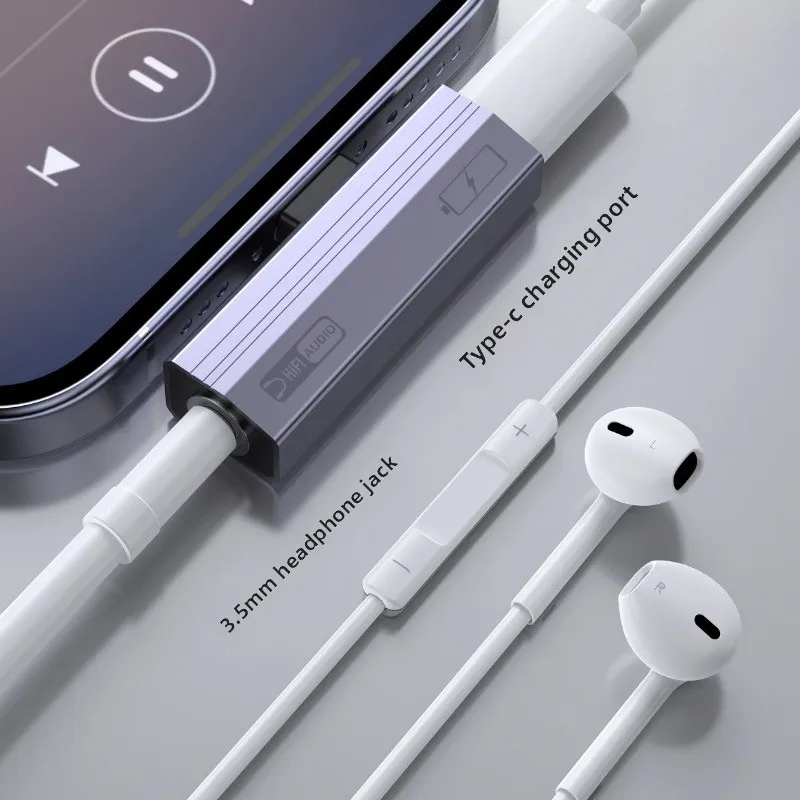
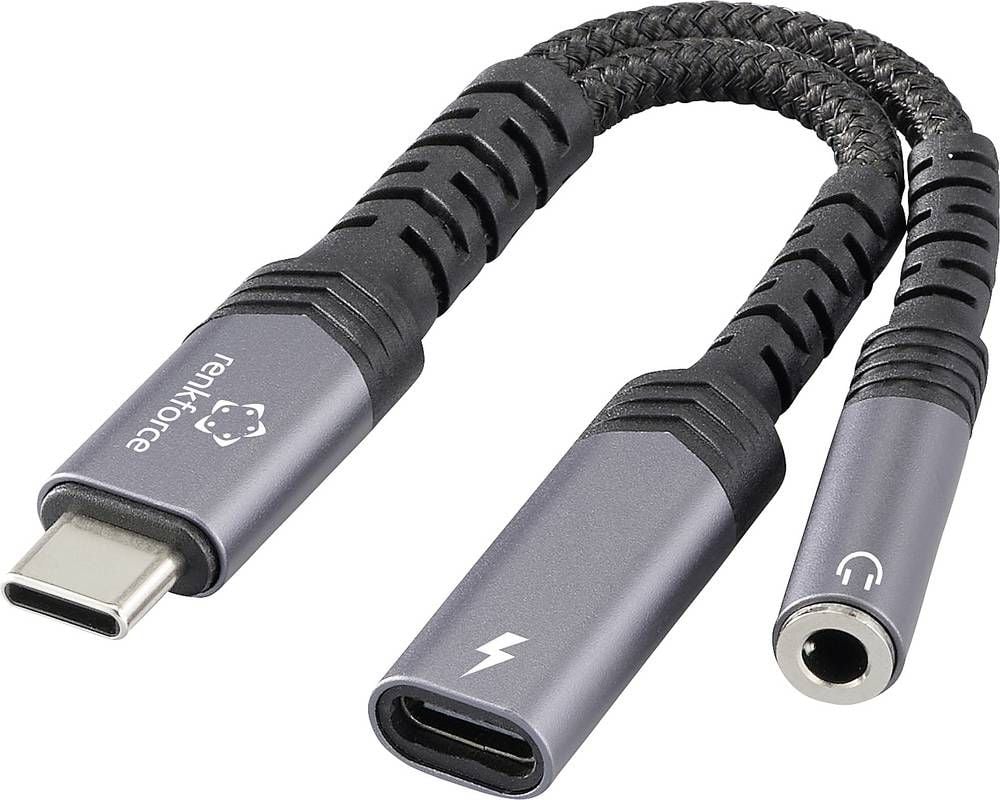
The headphone jack is inside USB-C connector. You can use USB-C-to-3.5mm passive (!) cable to connect your 3.5mm headphones, or you can buy 3.5mm headphones with USB-C audio connection.
There's no additional DAC involved, the analog audio is already on a USB-C pins.
I can't find anything about that in the article or the Fairphone 6 manual. Do you have a source for this?
My main problem with USB-C headphones on my Android phone is how unreliable they are. But if the USB-C port can just pass through an analog audio connection, that should work much better, I expect.


reply